
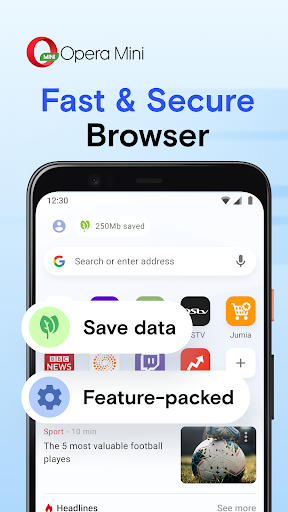
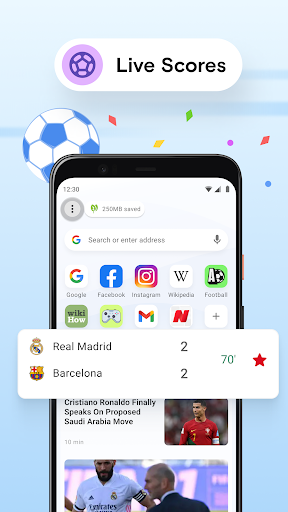
For users seeking a faster, more data-efficient browsing experience on mobile devices, Opera Mini delivers exceptional performance. This lightweight browser compresses web pages significantly before loading them, reducing data consumption by up to 90%. It is an ideal solution for individuals with limited data plans, slower network connections, or those who simply prioritize speed and savings during their mobile internet sessions.
Exceptional Data Savings Technology
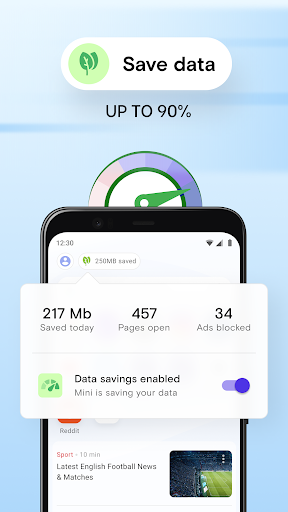
Opera Mini routes web traffic through its compression servers to minimize data usage. This process shrinks images and optimizes website code, allowing pages to load much faster than standard browsers. You can monitor your savings directly from the app, providing clear insight into how much data you preserve with each browsing session.
Fast and Reliable Page Loading
By processing and compressing data on its servers, the browser ensures swift page rendering even on unstable 3G or 2G networks. This technology reduces the amount of information your device needs to download, leading to noticeably quicker load times and a smoother overall user experience when browsing the web.
Built-in Ad Blocker Feature
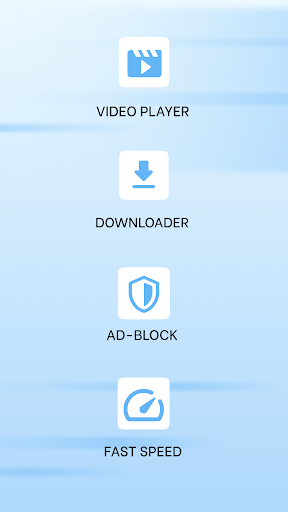
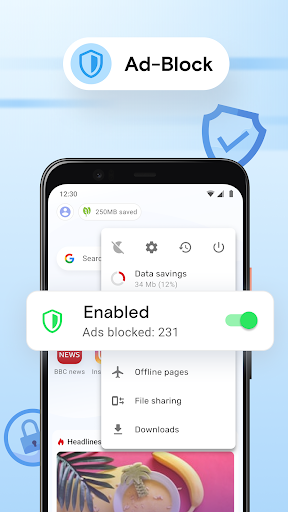
The integrated ad blocker prevents intrusive advertisements from loading on web pages. This not only creates a cleaner, less cluttered viewing experience but also contributes to faster page loads and additional data savings. You can easily toggle this feature on or off based on your preference for any website.
Offline File Sharing Capability
Opera Mini includes a peer-to-peer file sharing function that works without an internet connection. Using local Wi-Fi networks, you can securely send photos, documents, and videos directly to nearby devices. This is particularly useful for sharing large files when mobile data is unavailable or expensive.
Secure and Private Browsing
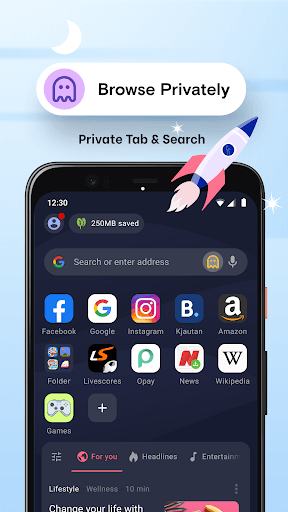
The browser offers a private mode that does not save your history or cookies after your session ends. While it compresses data for speed, it still maintains a secure connection for your browsing activities, helping protect your personal information from common online threats.
Customizable Start Page and News
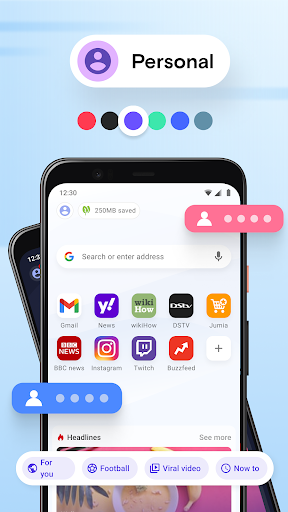
Your browser start page is fully customizable with quick links to your favorite sites and a personalized news feed. You can select topics of interest to curate a feed that delivers relevant articles, ensuring you stay informed about the subjects that matter most to you directly from your homepage.
Frequently Asked Questions
The browser uses advanced compression technology that processes web pages through its servers before sending a lighter version to your phone. This dramatically reduces the amount of data required to load images, videos, and text.
Yes, the built-in ad blocker can be enabled for all your browsing sessions, though you have the flexibility to whitelist specific sites where you wish to support content creators through ads.
The file sharing feature creates a direct Wi-Fi connection between devices, allowing transfer without using your mobile data or an active internet connection, making it both fast and free to use.